
Chrome Web Store

Turn Chrome Web Store Reviews into Visible Social Proof

Show verified public reviews from your Chrome Web Store listing on your own website. Help prospective users see trusted feedback before they decide to install or buy.

Start Showing Verified Reviews

14-day free trial. See if it earns you more.

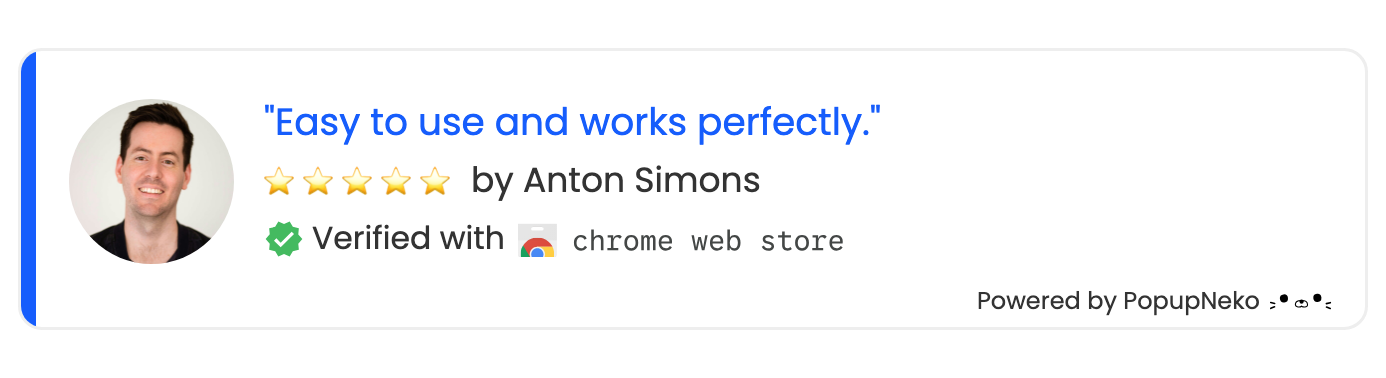
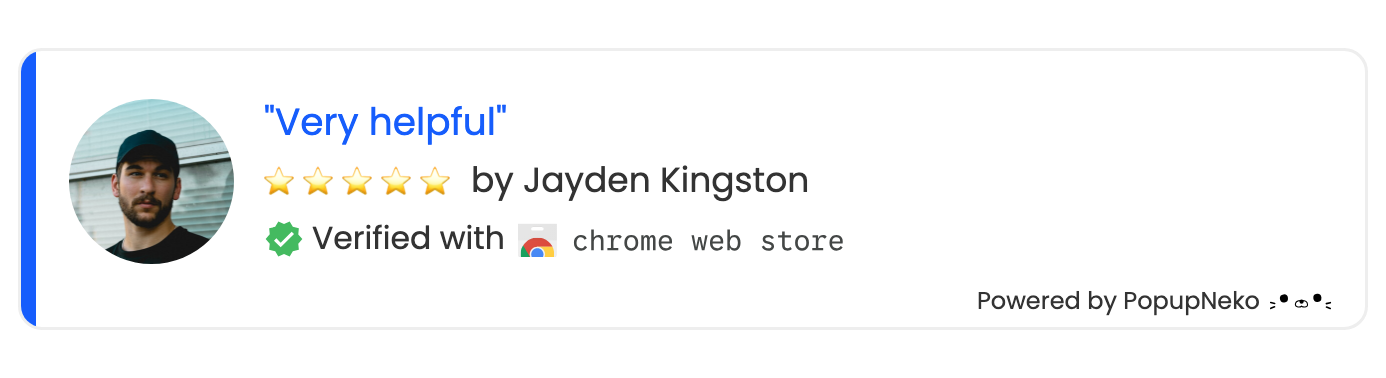
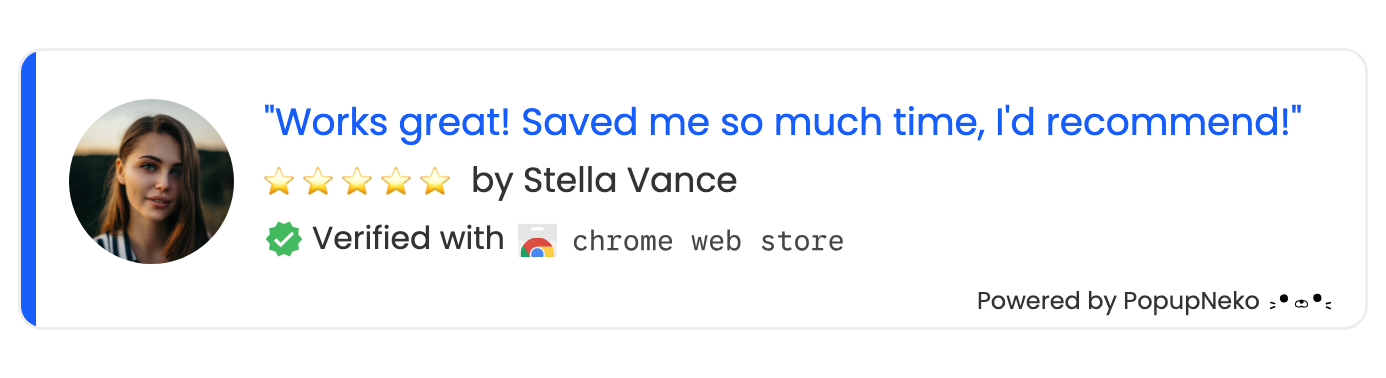
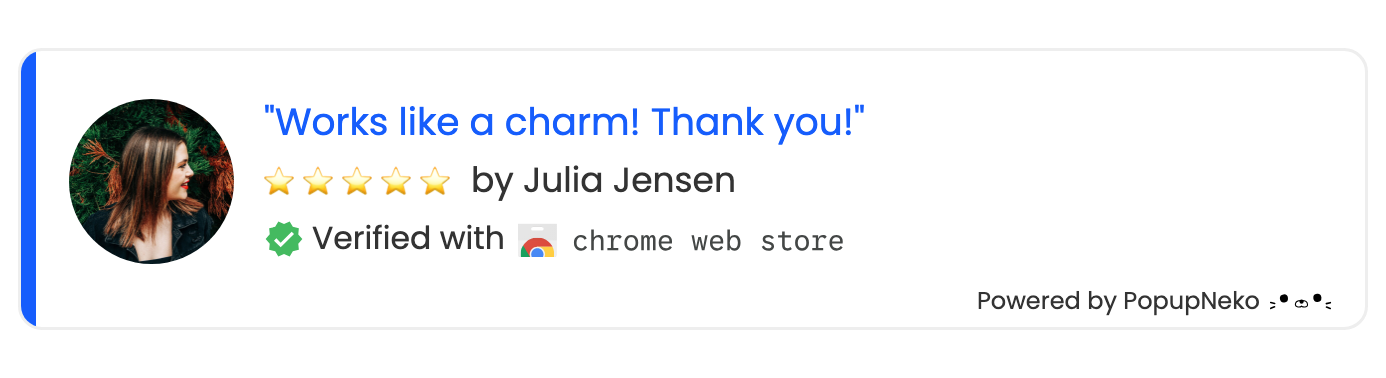
PopupNeko verified Chrome Web Store review social proof notification popupPopupNeko verified Chrome Web Store review social proof notification popupPopupNeko verified Chrome Web Store review social proof notification popupPopupNeko verified Chrome Web Store review social proof notification popupPopupNeko verified Chrome Web Store review social proof notification popup

Chrome Web Store Review Popups

Put Trusted Extension Reviews Where Prospects Can See Them

  • Eligible Public Reviews

    Sync up to 15 of the newest public Chrome Web Store reviews that include written feedback and a four- or five-star rating.

  • Reviews You Choose

    Review imported feedback in your dashboard and select which verified reviews enter your website popup rotation.

  • Curated Review Excerpts

    Choose a faithful excerpt for each selected review while PopupNeko preserves the original review and its source information.

  • No Store Credentials

    Connect with your public listing URL and ownership confirmation. PopupNeko never needs your Chrome Web Store credentials.

Why PopupNeko for Reviews Popup

Turn Extension Feedback Into Install and Purchase Confidence

Your best extension reviews should not stay buried on a store listing. PopupNeko brings selected, verifiable feedback onto your marketing website while keeping the original public source intact.

Use Reviews From the Public Store Page

Copied testimonials give visitors no easy way to check where the feedback came from. PopupNeko verifies eligible reviews against your public Chrome Web Store listing as an independent third party instead of accepting merchant-written review text.

Your social proof stays connected to an identifiable source and helps the next visitor decide whether to install or buy.
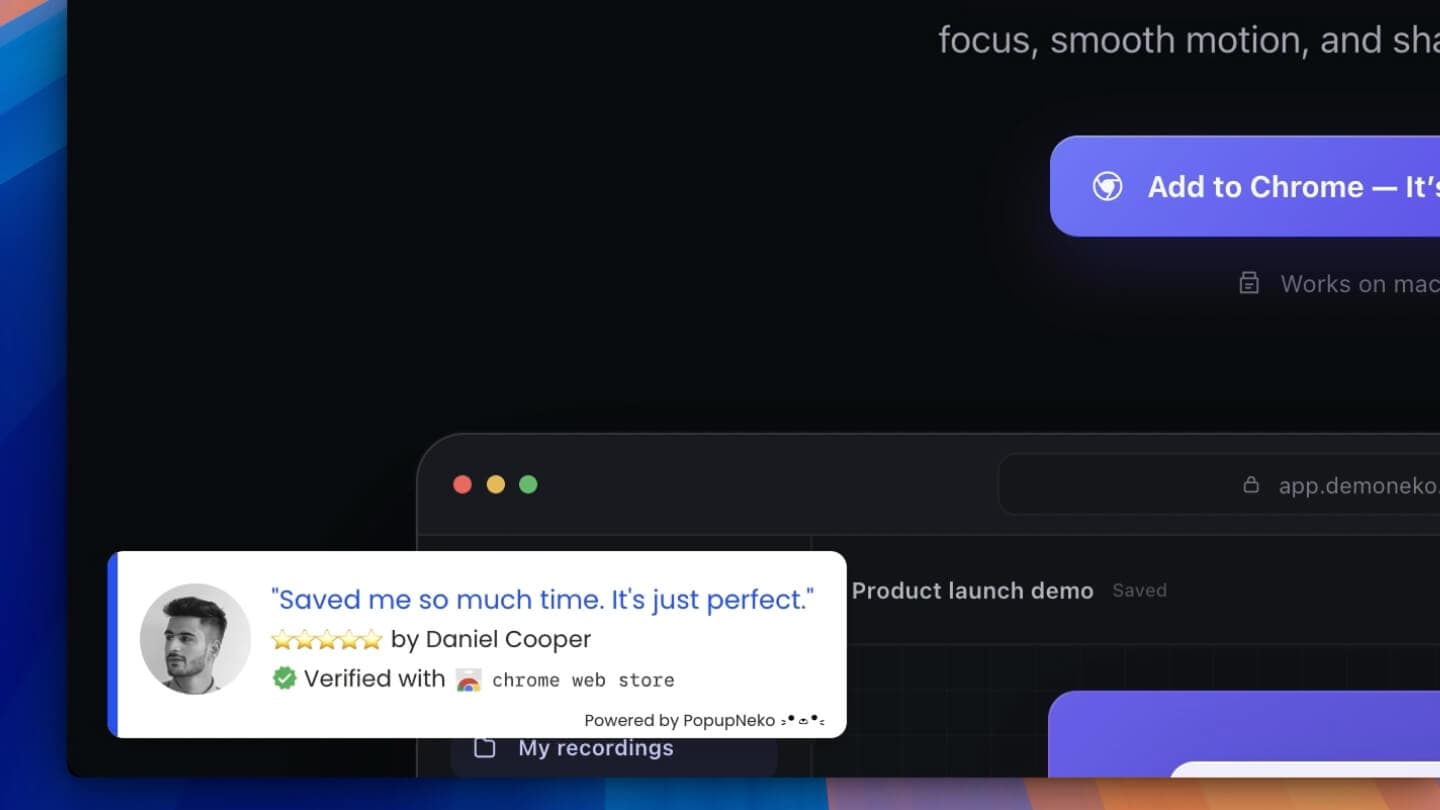
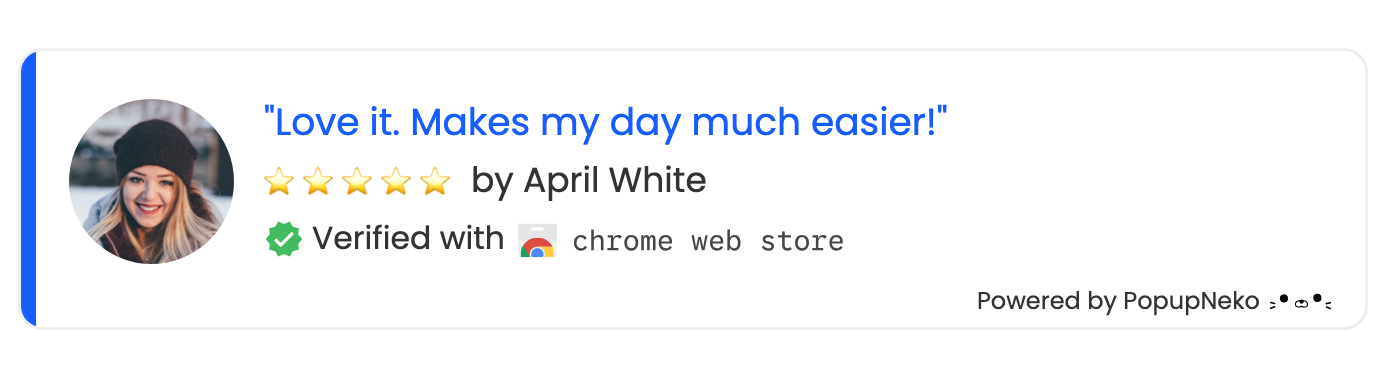
PopupNeko verified Chrome Web Store review popups appearing on a merchant website

Clear Doubts Along the Product Journey

Show selected Chrome Web Store reviews on feature, pricing, comparison, and download pages where prospective users are deciding whether your extension is right for them.

Control placement, timing, frequency, and appearance so reviews support the decision without getting in the way. Build the optimal environment to maximize each conversion opportunity.

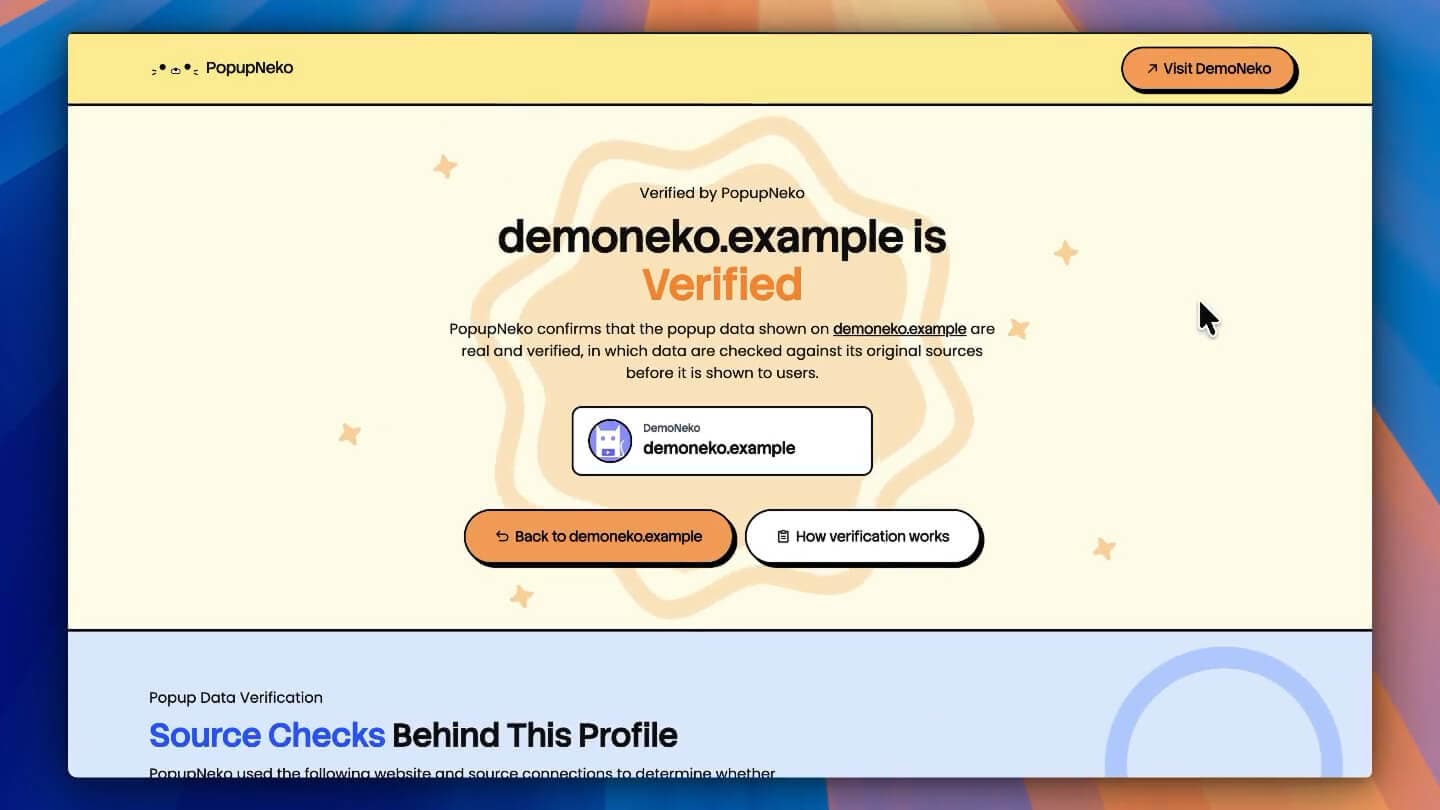
PopupNeko public verification page with connected review sources

Let Visitors Check the Original Review

Each verified review retains its source information, and the popup can link visitors back to the original public review and your verified merchant page on PopupNeko.

Prospective users can inspect the evidence themselves instead of relying on an unattributed quote, helping them trust your business.

Chrome Web Store Integration Setup

Bring Verified Extension Reviews Onto Your Website

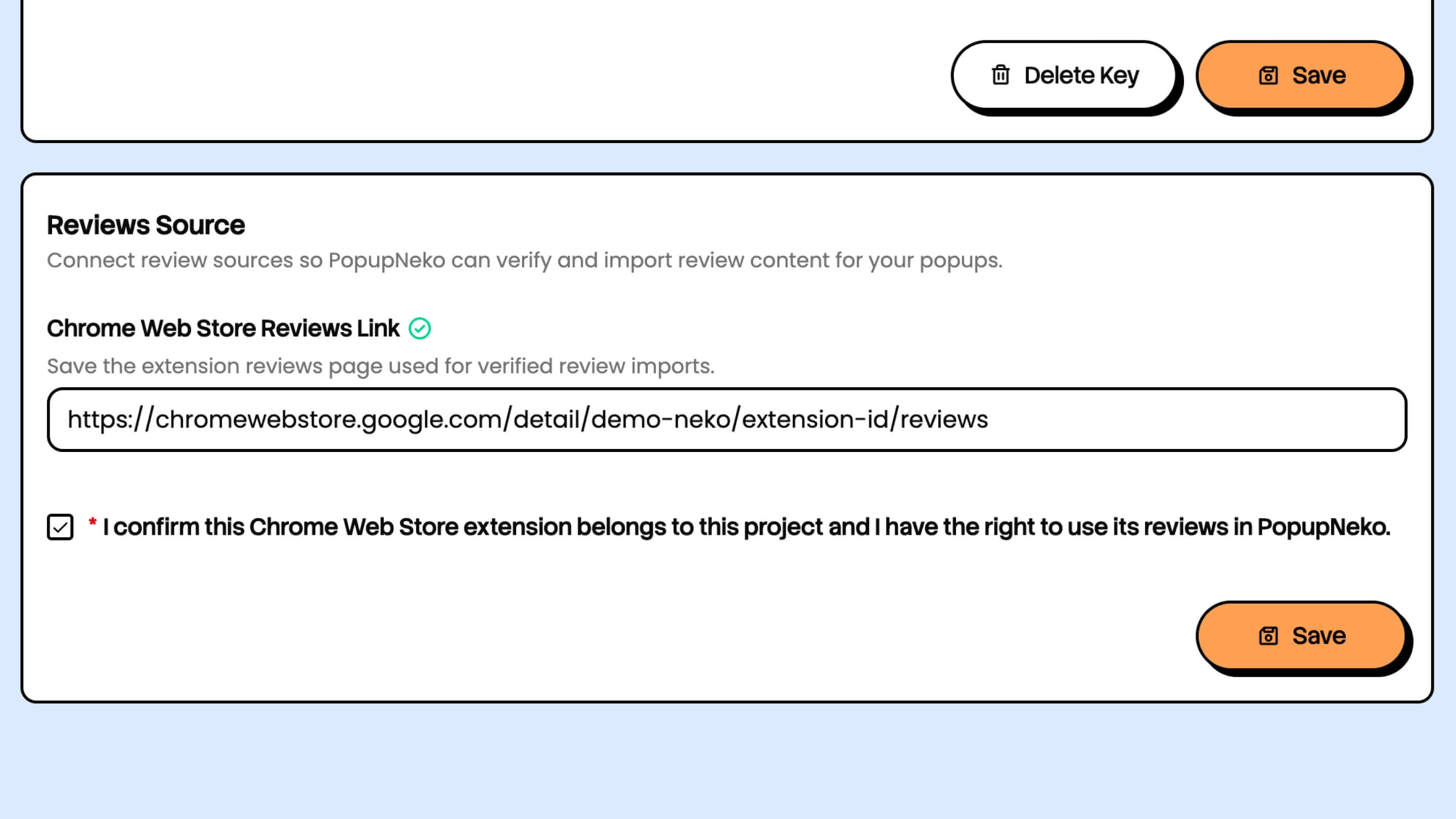
Add public Chrome Web Store reviews URL to PopupNeko

1. Add Your Public Reviews URL

Paste your extension's Chrome Web Store reviews page URL and confirm that you own or manage the listing. PopupNeko retrieves and verifies eligible reviews for popup display.

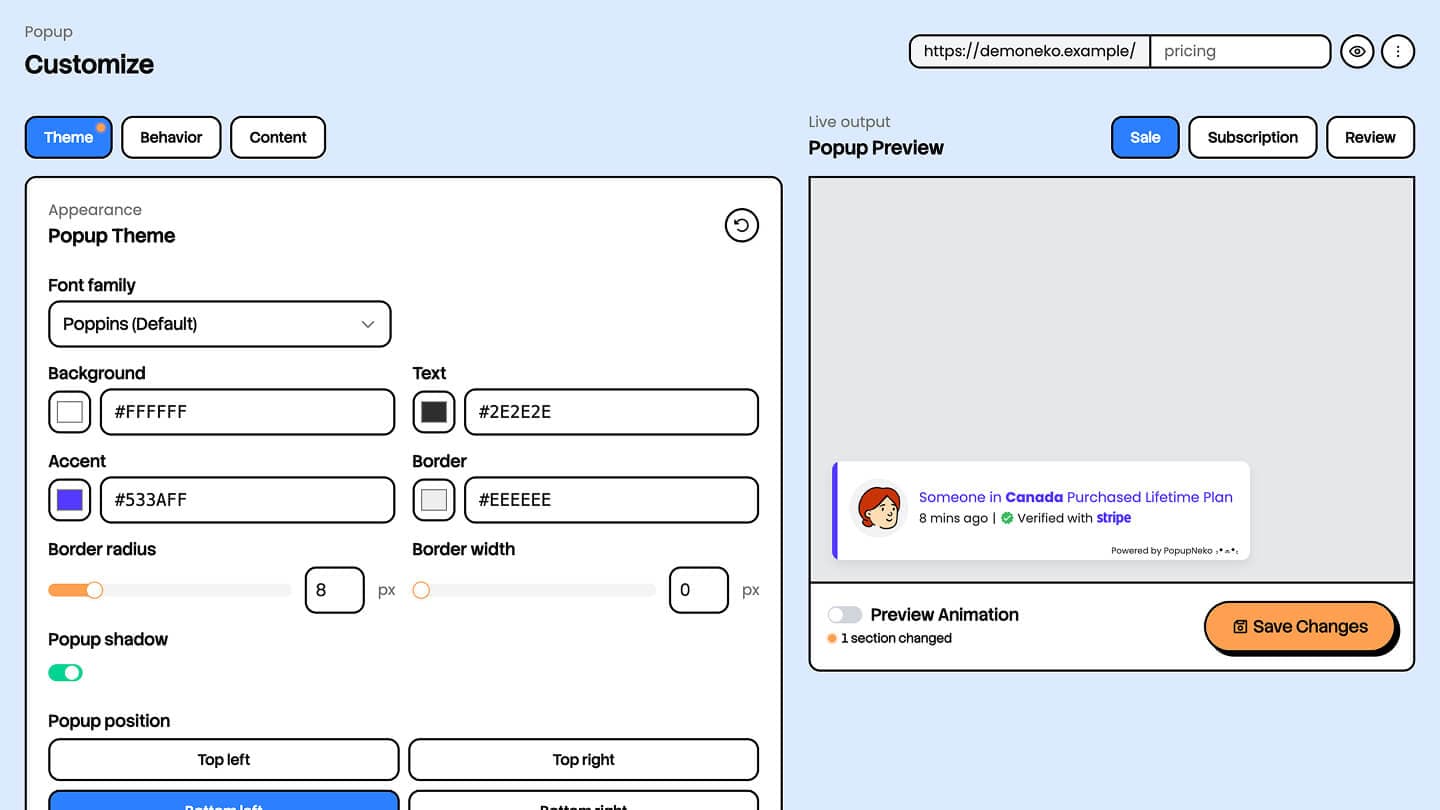
Customize popup appearance from PopupNeko Dashboard | PopupNeko

2. Style, Sync & Select Reviews 🎨

Customize the popup design to match your brand. Trigger a review sync or manually import an eligible review. Select the reviews and excerpts you want to display.

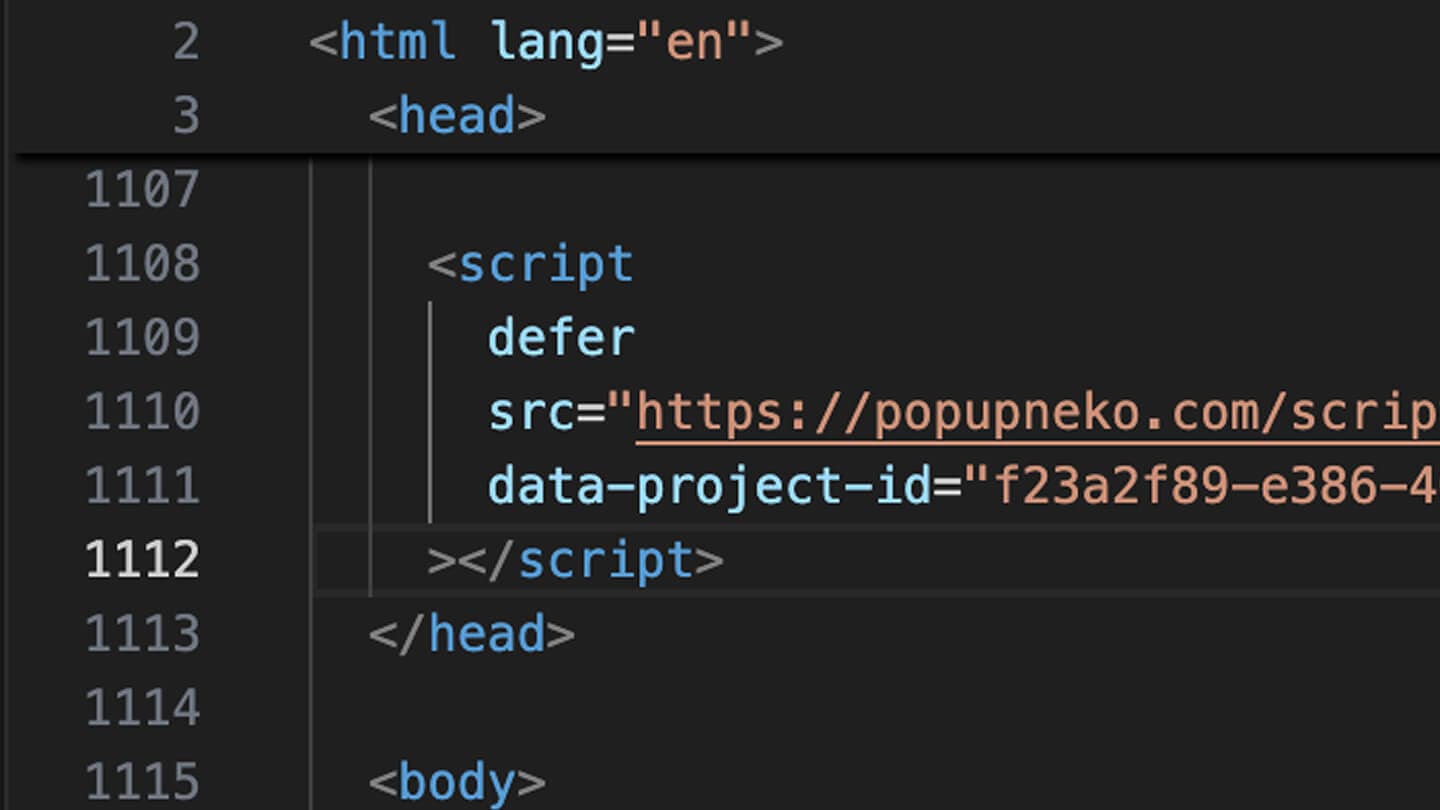
Install PopupNeko script for Chrome Web Store review popups

3. Install Once and Go Live πŸš€

Add the PopupNeko script to your marketing site once. Your selected review rotation can then appear on the pages where visitors decide whether to install or buy.

Hassle Free Integrations

Supported Data Platforms

Connect PopupNeko to the platforms you already use and turn real purchases, subscriptions, and reviews into verified social proof.

decorative coindecorative coindecorative coindecorative coindecorative coin

Plans that Grow With You

One Small Investment To Grow
Your Revenue Effortlessly

✨ 2 months free

Starter 🌱

For small stores & indie creators

$12 per month
  • 1 website
  • Unlimited popup impressions
  • Sales, subscription & review popups
  • Customize popup display & behavior
  • PopupNeko branding included
  • Linked public verified page
  • Email support

Growth πŸͺ΄

For growing teams & multi-site brands

$29 per month
  • 5 websites
  • Unlimited popup impressions
  • Sales, subscription & review popups
  • Customize popup display & behavior
  • Remove PopupNeko branding
  • Linked public verified page
  • Priority email support

Chrome Web Store Review Popup FAQ

Frequently Asked Questions

A Chrome Web Store review popup displays a real public review from your extension's store listing on your own website. PopupNeko turns verified ratings and review excerpts into visible social proof, helping prospective users see what existing users think before they decide to install or buy.

Add your extension's Chrome Web Store reviews-page URL to PopupNeko, confirm that you own or manage the listing, and sync your reviews. Choose the reviews you want to display, customize the popup, then add one PopupNeko script to your website. No manual review copying or repeated code changes are required.

PopupNeko can sync up to 15 of the newest eligible public reviews that include text and a rating of four or five stars. You can also add an eligible review using its individual public Chrome Web Store URL. Select which verified reviews enter your popup rotation from the PopupNeko dashboard.

PopupNeko checks imported reviews against the public Chrome Web Store listing instead of accepting merchant-written review text. Each verified review keeps its source information, and the popup can link visitors back to the original public review so they can check it themselves.

No. PopupNeko verifies reviews from your extension's public Chrome Web Store reviews page, so you do not connect a Google account or provide a Chrome Web Store API key. You only provide the public listing URL and confirm that you own or manage the extension.

No. Connecting a Chrome Web Store review source does not install code in your extension or give PopupNeko access to its users' browsing activity. PopupNeko reads eligible content already published on the public store listing and displays only the review information you select.

Yes. Choose which verified reviews appear, select the excerpt you want to display while preserving the original review and source, and customize the popup's colors, position, timing, frequency, and behavior. You control which reviews visitors see and where they appear on your website.

Review syncing is merchant-triggered, so you decide when PopupNeko checks your public listing for new eligible reviews. After syncing, review candidates appear in your library for you to review and select before they are shown in popups.

PopupNeko generally works with any website or website builder that allows a custom script. Installation is one script tag in your site's global layout or head, and popup configuration happens through a user-friendly dashboard.

Yes. They are designed to reduce uncertainty by showing prospective users authentic feedback from people who have tried your extension. A verified source link makes that proof more credible than a copied testimonial. Results vary, so test review popups where visitors compare features, pricing, or decide whether to install.

Eligible first-time customers can try the PopupNeko Starter plan free for 14 days. A payment method is collected securely for PopupNeko billing, but nothing is due when the trial begins. Cancel before the trial ends to avoid the first charge or manage your subscription anytime through your PopupNeko account.

Email contact@popupneko.com, and we'll help you get verified Chrome Web Store reviews live on your website.

Don’t Let Great Products Go Unnoticed

Build Trust and Boost Conversions in Seconds

Make your website feel alive and trusted with verified social proof popups. Your customers are already selling for you β€” let visitors see it.